- Create an Ubuntu Desktop VM
- Change IP address to desired address either through DHCP or statically on the machine
- Update Linux
- apt-get update
- apt-get upgrade
- Install Java and SQL
- Open the terminal
- sudo apt install default-jre
- Install sql
- sudo apt install mysql-server
- Open the terminal
- Make sure java installed
- Open terminal
- Java -version
- Open terminal
- Go to https://www.nextgen.com/products-and-services/mirth-connect-downloads
- Download the Linux.tar.gz file for the Linux installation
- Install the Administrator version as well
- Extract the 2 downloads and move them to the /opt/ directory
- tar -xvzf /path/to/filename.tar.gz
- Open New terminal
- Move downloads from desktop to /opt/ directory
- Cd Desktop/
- Sudo mv /DOWNLOAD ONE NAME/ /opt/
- Sudo mv /DOWNLOAD TWO NAME/ /opt/
- Move downloads from desktop to /opt/ directory
- Confirm that the files are in the /opt/ directory
- cd /opt/
- ls
- There should be 2 files in the /opt/ directory (the two you downloaded and moved)
- Enter the mirth file to find the configuration file
- cd Mirth\ Connect/
- ls
- cd /conf
- ONLY DO THIS IF YOU WISH TO EDIT CONFIG FILE
- nano mirth.properties
- You will not be free to edit the configuration files.
- Cat mirth.properties
- You should now be in the server properties of mirth. Edit these files if you wish to (username, password, port numbers)
- Lave the configuration file
- Cd ..
- Launch the server
- ./mcserver
- Connect to the server via web browser
IF YOU DECIDE TO USE THE ADMIN PROGRAM
- Open a new terminal window
- Navigate to /opt/ directory
- Cd /opt/
- Go into the mirth admin program
- cd mirth-administrator-launcher/
- Run the launcher
- ./launcher
- You should not be loading into the admin panel where you can enter your server credentials.


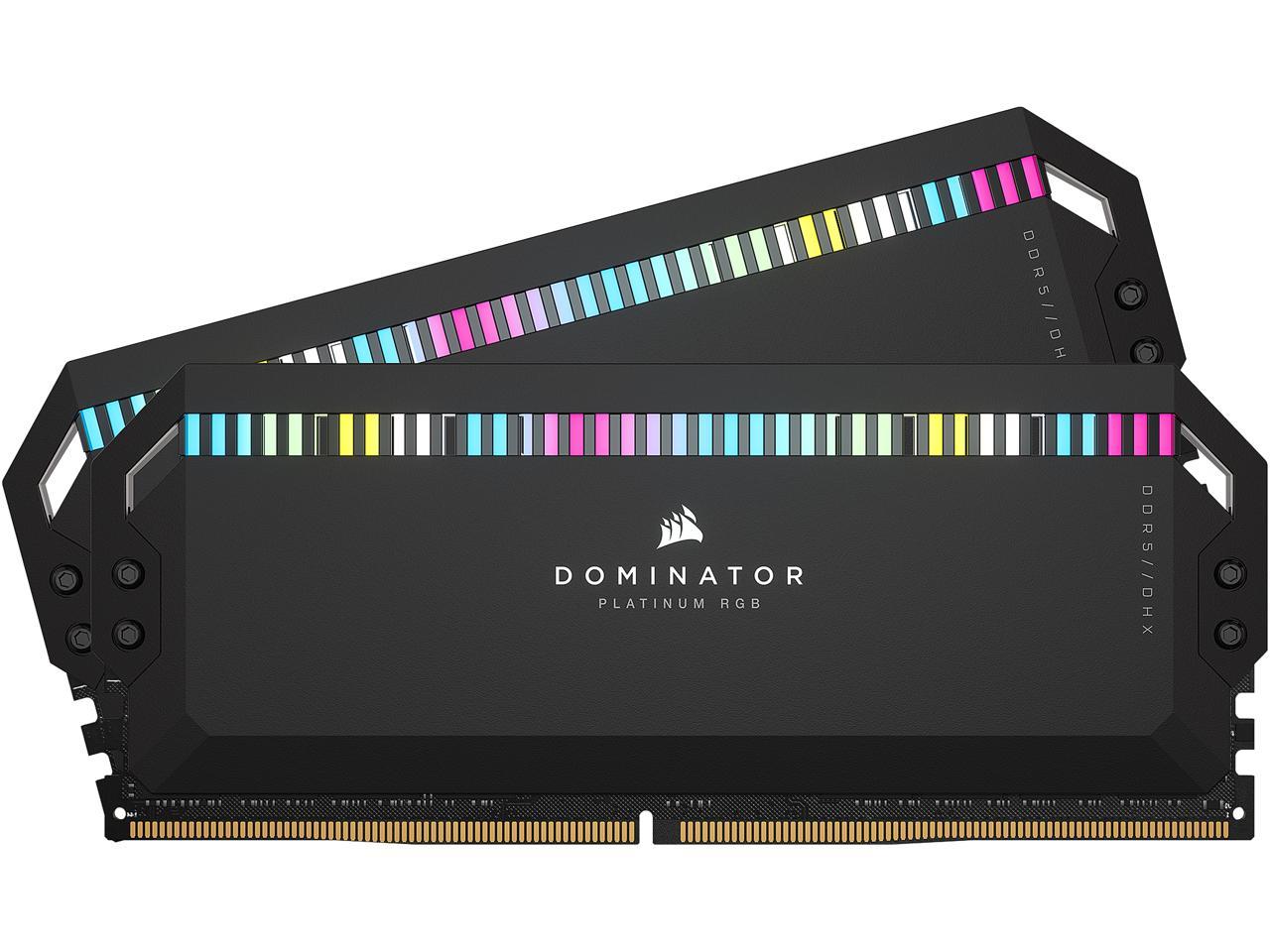
The VENGEANCE® RGB PRO 16GB (2 x 8GB) DDR4 DRAM 3600MHz C18 Memory Kit comes with two 8GB sticks of ram, as it’s name suggests. The Ram sticks featured in this pack run at a speed of 3600MHz with a Cl of 18. The sticks of RAM are best suited for making a decent gaming PC that is able to do moderately hard tasks. This RAM should be able to run average games and definitely run things like Microsoft office and Google’s equivalent. The overall price of these sticks is $105 which is a little pricy but well worth it.